


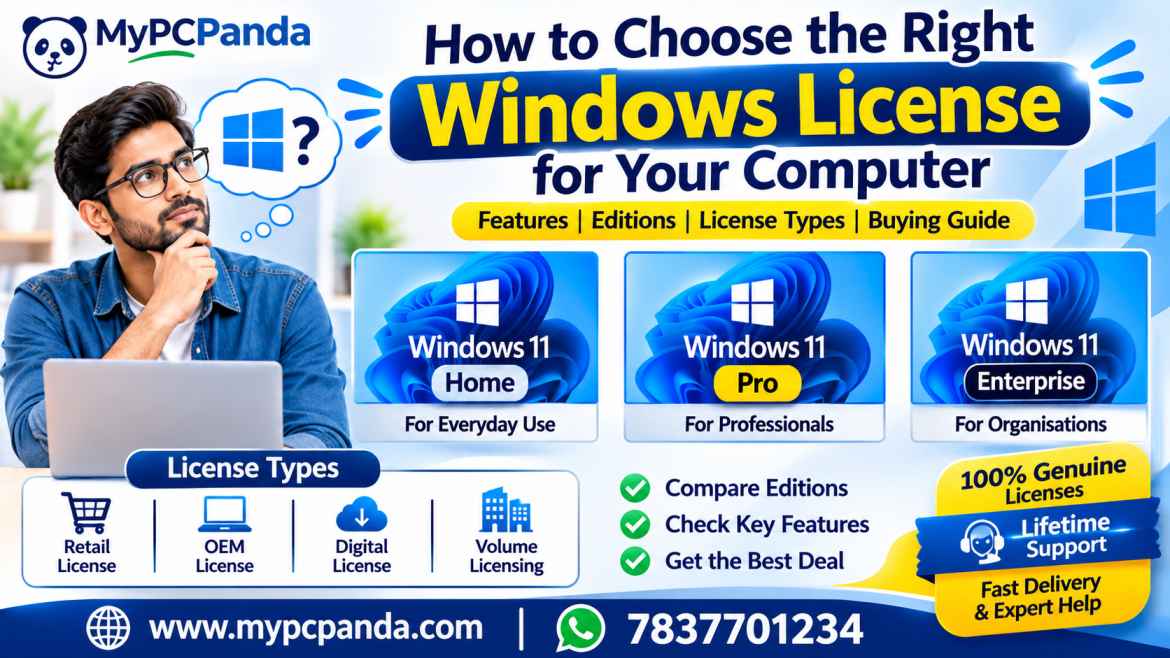
Choosing the right Windows license is important when purchasing a new computer or upgrading your existing PC. Microsoft Windows offers different editions for personal users, professionals, and businesses. Selecting the right edition helps you get the features you need.
At MYPCPANDA, you can explore Windows Home, Pro, and Enterprise licenses with convenient digital delivery, technical assistance, and lifetime support.
Windows Home – For Everyday Computing
Windows Home is suitable for browsing, online classes, entertainment, document preparation, and everyday personal tasks.
You can explore a Windows 11 Home Product Key or Windows 10 Home Product Key, depending on your computer and requirements.
Windows Pro – For Professionals and Businesses
Windows Pro offers additional features such as BitLocker, Remote Desktop hosting, Hyper-V, and Group Policy Management. It is suitable for professionals and business users.
If you want to upgrade your existing Home edition, consider a Windows 11 Home to Pro Upgrade Key or Windows 10 Home to Pro Upgrade Key. You can also explore a Windows 11 Pro Digital License Key for your Windows Pro licensing requirements.
Windows Enterprise – For Organisational Requirements
Windows Enterprise is designed for organisations that need advanced security and device management capabilities. Businesses can explore a Windows 11 Enterprise Product Key after checking the applicable licensing requirements.
| Your Requirement | Recommended Edition |
|---|---|
| Everyday personal use | Windows Home |
| Professional and business work | Windows Pro |
| Advanced organisational requirements | Windows Enterprise |
| Upgrade from Windows 11 Home | Windows 11 Home to Pro |
| Upgrade from Windows 10 Home | Windows 10 Home to Pro |
Choose the edition according to your usage, required features, and device compatibility.
Retail License
A Retail license is generally purchased separately and may offer transfer rights under its applicable license terms.
OEM License
An OEM license is generally associated with the original licensed computer and is commonly supplied with a new PC.
Digital License
A digital license is an electronic activation entitlement associated with a Windows device. It allows Windows to activate without entering a product key every time.
Volume Licensing
Volume licensing is designed for eligible organisations that need to manage Windows software across multiple devices.
Always review the applicable license terms before purchasing.
Before purchasing, consider these five points:
Computer Usage: Choose Home for everyday activities and Pro for additional professional features.
Required Features: Check whether you need BitLocker, Remote Desktop hosting, or Hyper-V.
Windows Compatibility: Make sure the license matches your installed Windows edition.
Device Requirements: Check device limitations and license transfer conditions.
Seller Reliability: Choose a seller that provides clear product details, convenient delivery, and technical support.
Both editions offer useful computing features, but your choice should depend on your hardware and software requirements.
| Comparison | Windows 10 | Windows 11 |
|---|---|---|
| Interface | Traditional layout | Modern redesigned interface |
| Start Menu | Classic design | Updated design |
| Multitasking | Snap features | Enhanced Snap Layouts |
| Productivity | Essential tools | Updated productivity experience |
| Best For | Compatible existing systems | Compatible modern PCs |
Check your device compatibility before selecting a Windows license.
Follow these simple steps:
Open the Start menu.
Select Settings.
Click System.
Open About to check your Windows edition.
Select Activation to review your activation status.
This information helps you identify the correct license or upgrade option for your PC.
Buying Windows licenses online makes it convenient to explore different editions and compare available options. Customers can check product details, select a suitable license, receive digital delivery, and access activation guidance.
Choose a seller that offers clear product information, secure payment options, and reliable customer support.
MYPCPANDA provides software licensing solutions for individuals, professionals, and businesses across India. With IT industry experience since 2003 and more than 100,000 software license sales, we focus on making software purchasing simple and convenient.
Why customers choose MYPCPANDA:
100% Genuine Software Licenses: Explore genuine software license options.
Fast Digital Delivery: Receive license details through Email and WhatsApp.
Lifetime Support: Get lifetime product-related support and guidance.
Technical Assistance: Receive help with installation and activation queries.
GST Invoice: GST billing is available for eligible purchases.
Secure Payment: Convenient and secure payment options.
Competitive Pricing: Affordable software options for personal and business needs.
At MYPCPANDA, our support does not end with product delivery. We provide lifetime assistance for product-related queries, helping customers enjoy a more convenient software purchasing experience.
Visit MYPCPANDA to explore available Windows licenses and other software products.
1. Which Windows edition is best for everyday computer use?
Windows Home is suitable for browsing, entertainment, online classes, and regular personal work.
2. Is Windows Pro better than Windows Home?
Windows Pro offers additional features such as BitLocker, Remote Desktop hosting, and Hyper-V for professional and business requirements.
3. Can I upgrade Windows 11 Home to Pro?
Yes. A compatible Windows 11 Home installation can be upgraded using an appropriate Windows 11 Home to Pro Upgrade Key.
4. Can I upgrade Windows 10 Home to Pro?
Yes. You can use an appropriate Windows 10 Home to Pro Upgrade Key for a compatible installation.
5. Why should I buy a Windows license from MYPCPANDA?
MYPCPANDA offers genuine software license options, fast digital delivery, competitive pricing, GST invoices, technical assistance, and lifetime support.
Choosing the right Windows license depends on your computer usage, required features, and device compatibility. Whether you need Windows Home for personal use, Windows Pro for professional work, or Windows Enterprise for organisational requirements, select the edition that matches your needs.
Explore Microsoft Windows licenses at MYPCPANDA and enjoy convenient Email and WhatsApp delivery, competitive pricing, GST billing, technical assistance, and lifetime support. Choose MYPCPANDA for a reliable software purchasing experience.