


Microsoft Office 2021 Professional Plus – Genuine Lifetime License at Best Price
Looking for a reliable Office solution for your Windows PC without a yearly renewal? Microsoft Office 2021 Professional Plus – Genuine Lifetime License at Best Price is a practical choice for users who need essential Office applications on one Windows computer. This product supports 1 user and 1 device and comes with lifetime validity according to the product details provided.
Why Choose Microsoft Office 2021 Professional Plus?
Office 2021 Professional Plus brings together the tools you need for everyday work, study, business tasks, and personal productivity. Instead of installing separate applications for different tasks, you can use one complete Office package for creating documents, working with data, preparing presentations, managing emails, and more.
The product is designed for users who prefer a one-time purchase rather than a monthly or yearly subscription. According to the provided product details, no regular renewal is required.
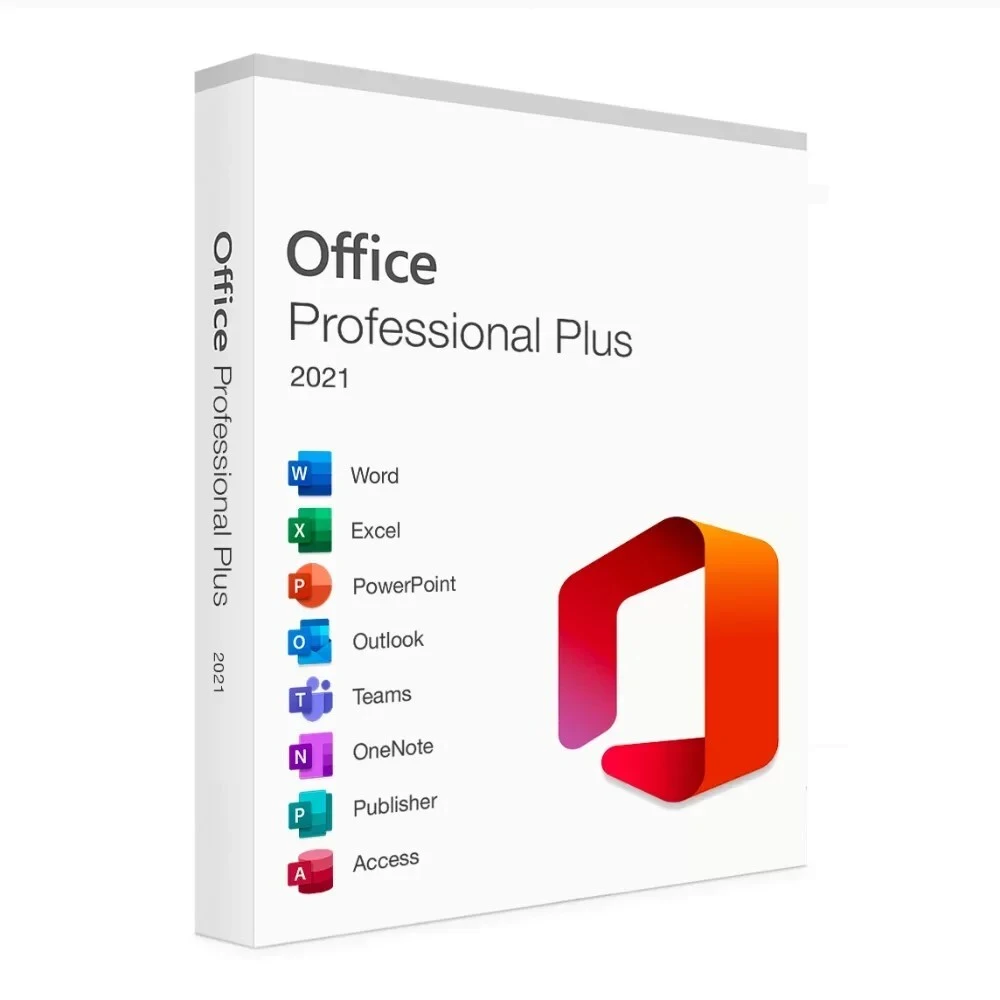
Office Applications Included
The Professional Plus package includes several commonly used Microsoft applications:
- Microsoft Word
- Microsoft Excel
- Microsoft PowerPoint
- Microsoft Outlook
- Microsoft Access
- Microsoft OneNote
- Microsoft Publisher
- Microsoft Teams
These applications can cover most everyday productivity requirements, whether you are preparing an assignment, creating a business report, managing data, or making a presentation.
Microsoft Word 2021 for Everyday Documents
Word remains one of the most widely used applications for creating and editing documents.
You can use it for:
- Business reports
- School and college assignments
- Resumes
- Letters
- Project documents
- Professional proposals
Office 2021 also includes improvements to Word, including co-authoring features and additional drawing tools.
Excel 2021 for Data and Calculations
Excel is useful whenever you need to organize information, perform calculations, or create structured reports.
Office 2021 includes features such as XLOOKUP, Dynamic Arrays, LET functions, and co-authoring, making Excel useful for both everyday spreadsheets and more detailed data work.
PowerPoint 2021 for Presentations
PowerPoint helps you create presentations for school, business meetings, training sessions, and professional projects.
The 2021 version includes features such as improved slide show recording, Ink Replay, co-authoring, and additional drawing tools.
Outlook for Email and Organization
Outlook brings email and organization tools together in one application. It can be useful for professionals and business users who manage regular email communication and scheduling from their computer.
Having Word, Excel, PowerPoint, and Outlook available in one Office package makes everyday work more convenient.
One User, One Windows PC
This product is specified for 1 user and 1 device, making it suitable for customers who need Office on a single Windows computer. The listed operating systems are Windows 10 and Windows 11.
Before purchasing, make sure your computer meets the required system specifications and that you are buying the correct license for your intended device.
Lifetime Validity
One of the key product specifications is Lifetime Validity. The provided product information states that the license is intended for the same PC and does not require renewal for this Office version.
This makes the product suitable for users who prefer a one-time software purchase instead of managing recurring subscription payments.
Windows 10 and Windows 11 Support
The product is listed as supporting Windows 10 and Windows 11. It is not intended for Mac, Windows 7, Windows 8, or Windows 8.1 according to the provided product information.
Before ordering, check your operating system to avoid compatibility issues.
32-Bit and 64-Bit Support
The provided product details state that both 32-bit and 64-bit Office versions are supported.
This gives users flexibility when installing Office according to their supported Windows setup.
Quick Digital Delivery
There is no need to wait for a physical package. The product information states that the license key is sent to the registered email and WhatsApp after the order is successfully completed. The listed delivery time is instant.
This makes digital delivery convenient for users who want to begin their installation process quickly.
Telephonic Activation Support
Activation is an important part of the installation process. If you need assistance, the provided product details include telephonic activation support.
The general process involves opening Word or Excel, entering the license key, selecting the telephone activation option, and following the activation instructions.
Customers can also contact the My PC Panda technical support team for assistance with the activation process during the specified support hours.
Simple Installation Process
Installing Office 2021 Professional Plus is straightforward when following the provided setup instructions.
The basic process includes:
- Remove any existing incompatible Office installation if required.
- Restart your Windows computer.
- Download the provided Office setup.
- Install Office 2021 Professional Plus.
- Open Word or Excel.
- Enter your license key.
- Complete the activation process.
The product information provides a dedicated setup download and installation instructions for customers.
Useful for Students and Professionals
Office 2021 Professional Plus can be useful in different situations.
For Students
Students can use Word for assignments, Excel for data and calculations, and PowerPoint for presentations.
For Professionals
Professionals can prepare reports, manage spreadsheets, create presentations, and handle email communication.
For Freelancers
Freelancers can use Office applications for proposals, invoices, documents, spreadsheets, and client presentations.
For Home Users
Home users can use Office for personal documents, budgeting, learning, and other everyday tasks.
Modern Office 2021 Features
Office 2021 introduces several improvements over older Office releases.
The provided product information highlights features including:
- Refreshed interface
- Real-time co-authoring
- Teams integration
- New Excel functions
- Improved PowerPoint features
- Dark Mode
- Additional drawing tools
These additions make the Office experience more convenient for modern Windows users.
System Requirements
Before installation, make sure your Windows PC meets the required specifications.
According to the provided product information:
- Operating System: Windows 10 / Windows 11
- Processor: 1.6 GHz, 2-core processor
- Hard Disk: 4 GB
- RAM: 2 GB for 32-bit or 4 GB for 64-bit
Checking these requirements before installation can help prevent compatibility problems.
Why Buy from My PC Panda?
When buying software online, customers generally want clear product information, quick delivery, billing, and installation assistance.
My PC Panda provides the product key through registered email and WhatsApp, along with technical assistance for installation and activation. The provided product details also mention GST billing for the purchase.
Things to Check Before Buying
Before placing your order, make sure:
- You need Office for Windows.
- Your PC runs Windows 10 or Windows 11.
- You need the license for one device.
- You understand the applicable license terms.
- Your system meets the minimum requirements.
- You have access to the registered email and WhatsApp number for delivery.
Taking a few minutes to check these points can make installation much smoother.
Final Verdict
If you need Office applications on one Windows computer and prefer a one-time purchase, this Office 2021 Professional Plus license can be a practical option. It combines essential productivity applications with digital delivery, one-device support, and the lifetime validity specified in the product details.
For users searching for Microsoft Office 2021 Professional Plus – Genuine Lifetime License at Best Price, the most important thing is to verify the edition, device compatibility, activation method, and license terms before completing the purchase.
Microsoft Office Price List -
How to Download & Install Microsoft Office 2021 Professional Plus -
-
Uninstall any existing MS Office package and then Restart your system.
-
After restart Copy the following link in the new Tab to download the setup file https://officecdn.microsoft.com/pr/492350f6-3a01-4f97-b9c0-c7c6ddf67d60/media/en-us/ProPlus2021Retail.img
-
The setup will download in a few minutes (setup size 4.7GB).
-
Install the downloaded setup in your system.
How to Activate Office with Telephonic Process -
Please follow the below instructions for Telephonic activation -
-
Open Any Word or Excel File.
-
Put the License key and click on next.
-
Select the 2nd option, Activate by Telephone, and click on next.
-
You will get Installation ID on your Display. Share that ID with our support number 8397964560.
-
Our Support team will generate Confirmation code and share with you between office hours 11am to 7pm.
-
Put that confirmation code in your system and click on next.
Now your MS office is fully activated.
Frequently Asked Questions
1. What is Microsoft Office 2021 Professional Plus?
It is a productivity software suite that includes applications such as Word, Excel, PowerPoint, Outlook, Access, OneNote, Publisher, and Teams according to the provided product information.
2. How many devices does this license support?
The listed product specification supports 1 user and 1 device.
3. Is the license valid for a lifetime?
The product specifications list lifetime validity, and the provided FAQ states that the license is intended for the same PC without renewal.
4. Does it work on Windows 10 and Windows 11?
Yes. The provided product details list Windows 10 and Windows 11 as supported operating systems.
5. Is activation support available?
Yes. The product information includes telephonic activation instructions and technical support for the activation process.
.webp)