


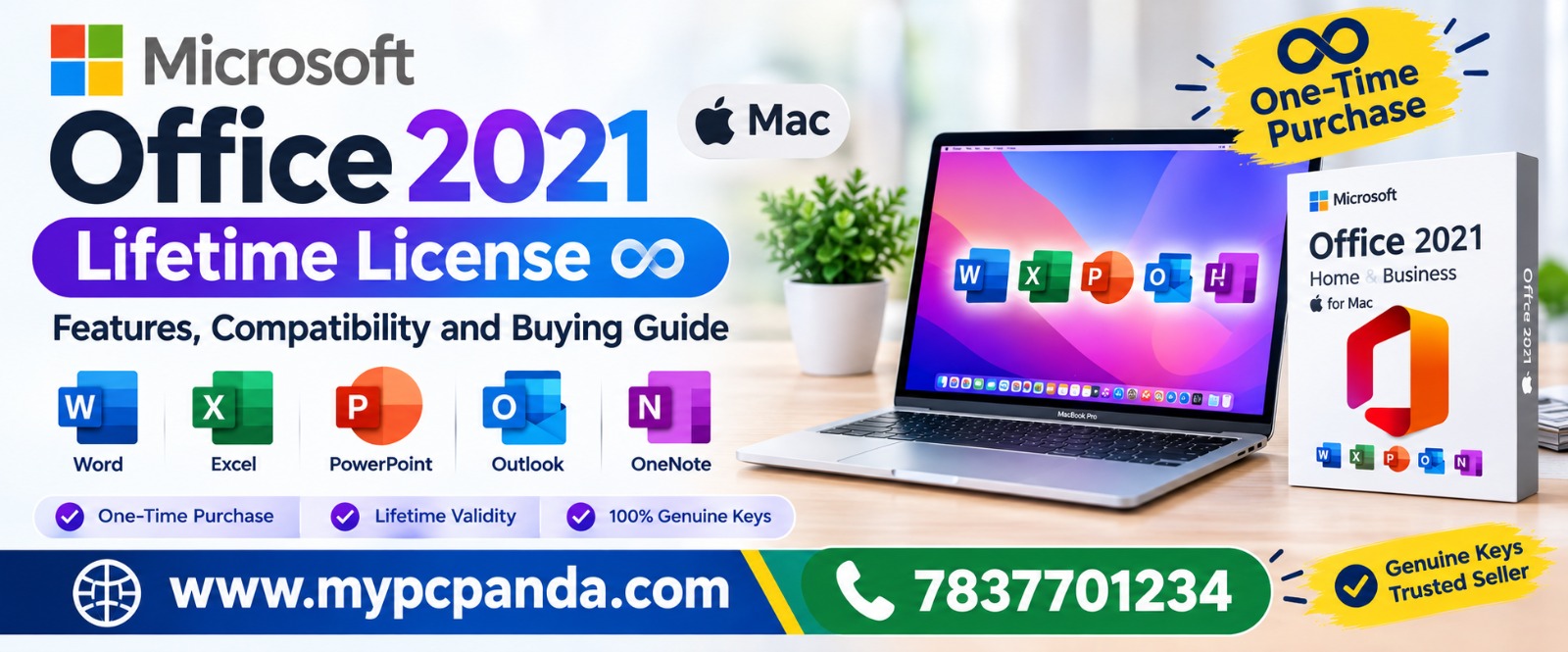
Buying software online looks simple until you actually start comparing websites. One store may show a lower price, another may offer more versions, while a third may provide better support after the purchase. For Windows, Microsoft Office and antivirus products, the seller you choose can make a noticeable difference to the overall buying experience.
That is why comparing a software website on price alone is not enough. A better comparison looks at product availability, license details, delivery, billing, activation assistance, customer support and the convenience of buying different software products from one place.
For Indian customers looking for software licenses online, MyPCPanda is one option worth comparing with other software websites. The platform brings microsoft-windows, ms-office, quick-heal, k7-antivirus, kaspersky, guardian, net protector-npav, mcafee, and eset-antivirus together, while also focusing on digital delivery, GST billing and technical assistance.
A software license is different from an ordinary online purchase. After payment, you may still need to download the software, understand the license, activate it and sometimes connect it with an account or email address.
This is where the difference between sellers becomes important.
Before placing an order, a buyer should ask:
A website that answers these questions clearly can offer more value than a website that simply advertises a low price.
Not every software website works in the same way. Some concentrate on a particular category, while others offer a broader selection of Windows, Office and security products.
For a buyer, the most useful comparison is therefore not simply “which website is cheaper?” It is “which website gives me the right product and a smoother purchase experience?”
MyPCPanda is designed around software products rather than general computer hardware. Its catalog covers Windows, Microsoft Office and several antivirus brands, allowing customers to compare different software requirements from one platform.
This can be particularly useful for people who are setting up a new PC, upgrading an existing system or purchasing software for several computers.
Product choice is one of the first areas where software websites can differ.
Imagine that a customer needs Windows for one computer, Microsoft Office for another and antivirus protection for a third. Buying each product from a different seller can make the process unnecessarily complicated.
MyPCPanda brings these categories together. Customers can find Windows products, Microsoft Office versions and antivirus products from brands such as Quick Heal, K7, Kaspersky, Guardian, Net Protector-NPAV, McAfee and ESET.
The advantage is not simply having a long product list. It is having different software categories available when the buyer needs to compare options.
Windows comes in different editions, and choosing the right one matters more than simply choosing the cheapest product.
For example, a customer may need Windows 10 Home for basic personal use, Windows 10 Pro for additional professional features, or a Windows 11 edition for a newer PC.
MyPCPanda's Windows catalog includes different Windows editions, giving customers the opportunity to compare their requirements before choosing a license.
When comparing a Windows seller, check the edition, number of supported devices, license type, activation method and compatibility with the PC.
A clear product page should make these details easy to understand.
Microsoft Office is another category where buyers should avoid making a decision based only on price.
Office 2016, Office 2019, Office 2021 and newer Microsoft Office options can have different requirements. There can also be differences in device support, validity and account or email binding.
MyPCPanda provides multiple Microsoft Office products, making it possible for customers to compare different versions according to their needs.
Before purchasing, always read the individual product description. Check the supported operating system, number of devices, validity and activation instructions rather than assuming that every Office product works in exactly the same way.
Antivirus requirements are not identical for every customer.
A home user may need protection for one computer, while a small business may require licenses for several systems. Some buyers may already prefer a particular security brand, while others may want to compare plans.
MyPCPanda offers antivirus products from multiple brands, including Quick Heal, K7, Kaspersky, Guardian, Net Protector-NPAV, McAfee and ESET.
This gives buyers the flexibility to compare product type, number of users or devices and subscription duration instead of being limited to one security brand.
Everyone wants a good price. That is completely reasonable.
However, a very low price does not automatically mean a better purchase. The buyer should also consider what happens after payment.
For example, compare:
A slightly different price can make sense if the overall purchase experience is more convenient and the product information is clearer.
This is particularly relevant for businesses that need proper purchase documentation.
One of the biggest differences between traditional software purchasing and online software stores is delivery.
Digital software does not need to arrive in a physical box. License information and delivery instructions can be provided online, allowing customers to start the installation or activation process without waiting for physical shipping.
MyPCPanda provides digital delivery for its software products and promotes instant online delivery as part of its service.
For someone setting up a computer urgently, this can be a practical advantage.
For individual customers, an invoice is a useful record of the purchase. For businesses, proper billing can be even more important.
A company may need software purchase records for accounting, internal documentation or expense management.
MyPCPanda provides GST billing, which makes the platform relevant not only to individual customers but also to businesses and IT-related buyers looking for documented software purchases.
When comparing different sellers, checking invoice and GST information before ordering is a simple step that can prevent confusion later.
This is an area that is often overlooked when people compare software prices.
A customer may understand how to install an application but still have questions about activation, account binding or the correct installation procedure.
Technical assistance can make that process easier.
MyPCPanda provides technical support, and customer feedback on third-party review platforms includes experiences relating to activation, installation and support.
At the same time, no online seller should be judged only from a handful of reviews. Buyers should look at the broader customer feedback, product information and support process before making a decision.
That is a more realistic way to evaluate any software website.
| Factor | MyPCPanda | Other Software Websites |
|---|---|---|
| Windows Products | Multiple Windows editions | Depends on seller |
| Microsoft Office | Multiple versions and license options | Depends on seller |
| Antivirus | Multiple brands | Depends on seller |
| Digital Delivery | Available | Varies |
| GST Billing | Available | Varies |
| Technical Support | Available | Varies |
| Product Categories | Windows, Office and Antivirus | Depends on platform |
| Business Purchases | GST billing available | Depends on seller |
| Activation Guidance | Available for relevant products | Varies |
| Customer Feedback | Available on review platforms | Depends on seller |
The table makes one point clear: software websites should be compared on the complete buying experience, not only on the advertised price.
The biggest practical advantage of MyPCPanda is the combination of different software categories on one platform.
A customer does not necessarily have to search separately for Windows, Office and antivirus products. These categories are available together, which can make product research easier.
The platform also combines digital delivery with GST billing and technical support. For a customer, that means the purchase is not limited to receiving a license; there is also a support and documentation component around the transaction.
For businesses and IT professionals, this can be especially convenient when multiple software requirements need to be handled.
Home Users
Home users can compare Windows, Office and antivirus products based on their computer configuration and everyday requirements.
Students
Students who need Microsoft Office for documents, presentations, spreadsheets and other academic work can compare available Office options before choosing one.
Professionals
Professionals working from home or managing personal workstations can choose software according to their operating system, application requirements and device count.
Small Businesses
Small businesses often need software for multiple systems and may also require GST documentation. A software-focused store with multiple categories can simplify this process.
IT Dealers and Computer Professionals
IT professionals who regularly set up or maintain computers may benefit from having Windows, Office and antivirus products available through one platform.
A genuine comparison should also acknowledge that MyPCPanda will not necessarily be the right choice for every possible requirement.
For example, a customer may already have a preferred authorized purchasing channel, a specific enterprise agreement, a volume licensing requirement or a product that is not listed on MyPCPanda.
In such cases, comparing multiple sellers is sensible.
The goal should not be to choose a website simply because someone says it is “the best.” The goal is to find a seller whose product, license terms, price and support match your requirement.
That approach also helps customers avoid buying an unsuitable license.
Before ordering any digital software product, follow a simple checklist.
1. Identify the Exact Product
Know whether you need Windows, Microsoft Office, antivirus or another application.
2. Check the Edition
For Windows and Office, different editions can have different features and requirements.
3. Check Device Support
Confirm whether the license is intended for one PC, multiple PCs or another device configuration.
4. Check Validity
Make sure you understand whether the product is a lifetime license, annual subscription, renewal or another type of license.
5. Understand Activation
Read whether activation involves a product key, Microsoft account, email binding or another method.
6. Check Billing
If you are purchasing for a business, verify GST invoice availability before ordering.
7. Check Support
Find out how you can contact the seller if you need help with installation or activation.
These seven steps can prevent many common purchasing mistakes.
There is no single feature that can prove a software website is perfect.
Instead, look for several signs working together:
A trustworthy buying experience starts with transparency. If a product page leaves important questions unanswered, it is worth asking those questions before making the purchase.
The answer depends on what the customer needs, but MyPCPanda has several practical advantages that make it a strong option for buyers in India.
It brings Windows, Microsoft Office and multiple antivirus brands together instead of focusing on only one software category. It also offers digital delivery, GST billing and technical support.
For someone who wants to compare different software requirements in one place, this combination can make the purchasing process easier.
The important thing is that the comparison is based on actual buying factors rather than a simple “cheapest versus expensive” argument.
Choosing a software website should not be a race to find the lowest number on a product page. A better purchase is one where the product matches your requirements, the license terms are clear, delivery is convenient and help is available if you need assistance later.
This is where MyPCPanda has a strong position for Indian buyers. Its combination of Windows, Microsoft Office and antivirus products, along with digital delivery, GST billing and technical support, makes it a convenient option for customers who want multiple software requirements handled through one platform.
Before purchasing, always check the exact product page, license type, device compatibility, validity and activation method. Once those details match your requirement, choosing the right seller becomes much easier.
1. What should I check before buying a software license online?
Check the product edition, license type, validity, device support, compatibility, activation method, delivery process, invoice availability and customer support.
2. Can I buy Windows licenses online from MyPCPanda?
MyPCPanda offers multiple Windows products and editions. Customers should check the individual product page to confirm the exact license type and compatibility before ordering.
3. Does MyPCPanda sell Microsoft Office licenses?
Yes, MyPCPanda offers multiple Microsoft Office products and versions. The exact features, validity and activation method depend on the selected product.
4. Can I buy antivirus software from MyPCPanda?
Yes. MyPCPanda offers antivirus products from multiple brands, giving customers several options based on their preferred security solution and device requirements.
5. Does MyPCPanda provide GST billing?
Yes. GST billing is available, which can be useful for both individual purchase records and business software purchases.